
ANDROID APP
Get WORK89 on Google Play.
The WORK89 app for Android phones, with the same account as the website.
Get it on Google Play →Get the Android app from Google Play, or add WORK89 to your home screen from your browser and open it like an app.
The WORK89 app for Android phones, with the same account as the website.
Get it on Google Play →Your account and live information still use the secure online service. Installation does not create a second account.
If the button cannot open installation, use the browser menu and select Install app.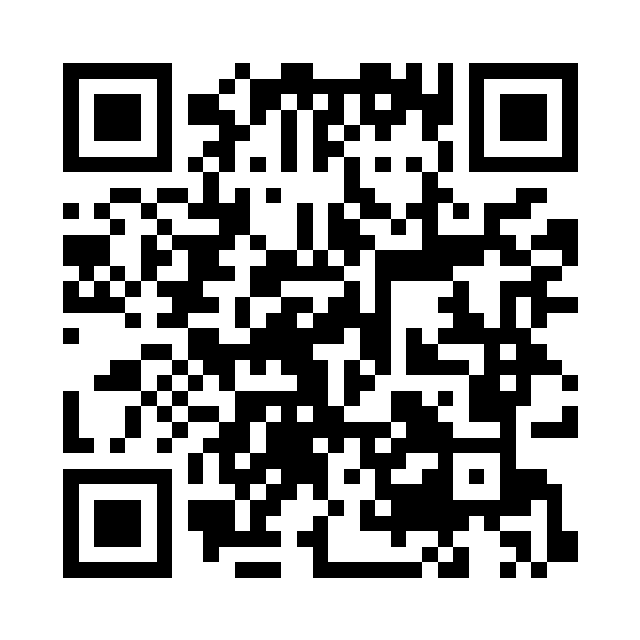
Point a phone camera at this code. It opens work89.co/install; it contains no personal details or hidden tracking address.
Download printable QR code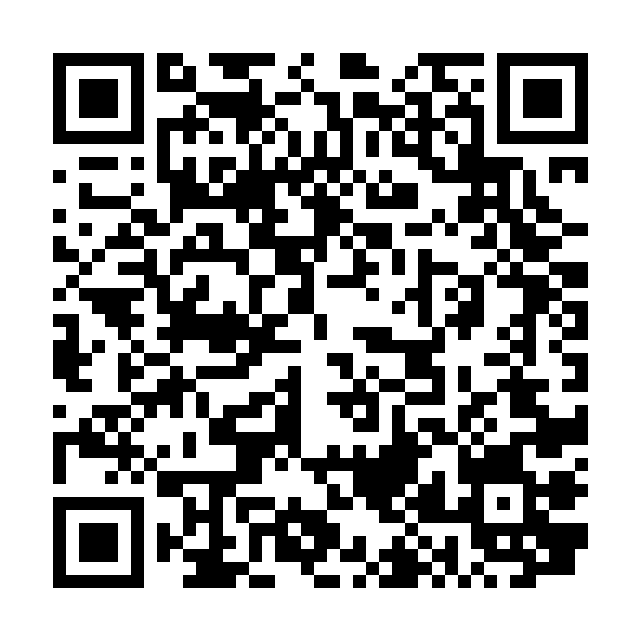
Use this on professional outreach materials. It opens the WORK89 professional-registration choice.
Download professional QR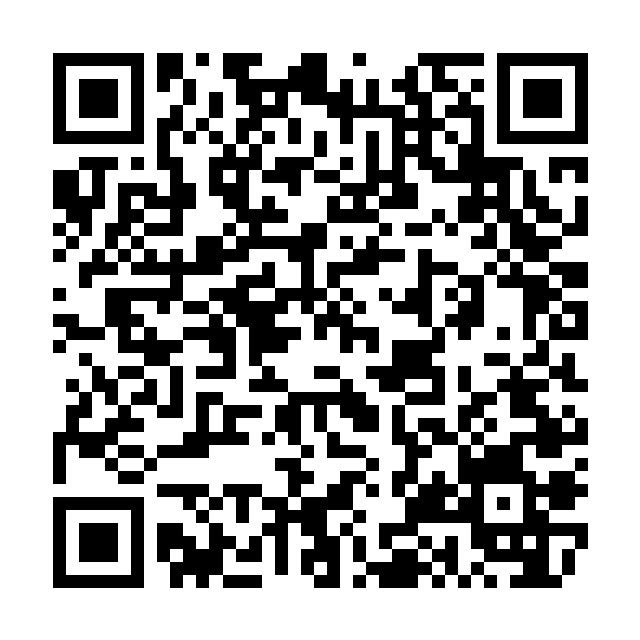
Use this with households and organisations. They can still choose personal hiring or organisation during registration.
Download client QRThe Android app, the home-screen version and the website all use the same WORK89 account. On iPhone, add WORK89 to the home screen from Safari as shown above.
Installation support